PaperHopper
Scan, recognize text on the device, export as a searchable PDF. An export profile sets the destination, file name and scan settings. After that, one tap is enough and the scan lands in Paperless-ngx, in the cloud or on your server.


Coming soon
- Paperless-ngx
- Google Drive
- Dropbox
- Microsoft OneDrive
- Nextcloud and WebDAV
- SFTP, FTP, FTPS
- Folder in the Files app
- HTTP upload
- Share sheet
-
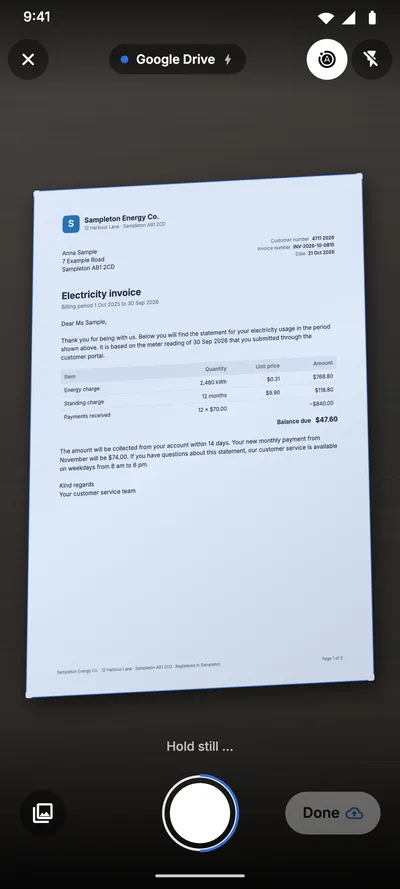
The camera detects the edges of the sheet, captures by itself and straightens the page. Filters even out shadows.
-
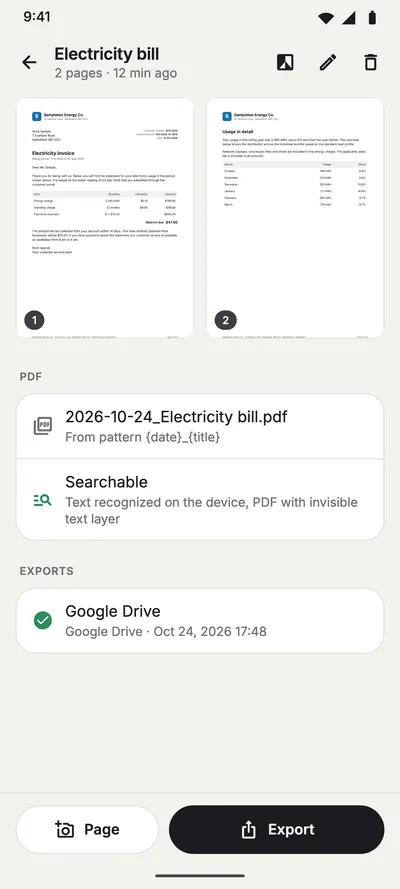
Text recognition runs on the device. The PDF gets an invisible text layer, so you can search it and copy text from it.
-
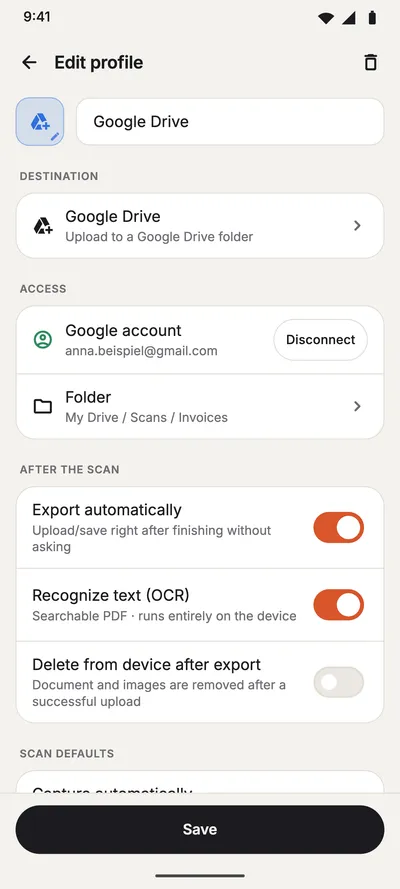
Export profiles store the destination, file name and scan settings. Tap a profile, scan, done: the upload runs without asking again.

Your scans go only where you send them.
There is no server in between. You connect cloud accounts directly with the provider in your browser. PaperHopper does not see your password and uploads only to the folder you chose.
Read the privacy policy